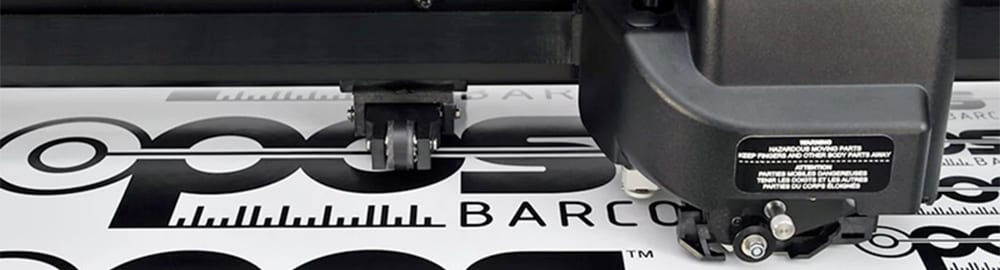
Barcode workflow
Are you yourself often cutting various jobs on various sheets and/or plates? Or do you want to use your cutting table to cut a complete roll with different prints, one after the other, in one go? Then Summa's automated barcode workflow is the way to go.
What is the barcode workflow for cutting tables?
Summa's patented barcode workflow (patented in the EU) is a user-friendly, intuitive way to automate a printing and cutting workflow. At the touch of a button, your Summa cutting table can cut an entire roll without operator intervention. This allows you to invest your time and effort in more important things.
With Summa's barcode workflow, you can:
- Save time
- Cut an entire roll of multiple jobs without operator intervention and at the touch of a button
- Automatically match the correct cut file to the print file
- Reduce the risk of production errors
- Create a synergy between your printer and cutting table
Summa cutting tables are built to work seamlessly with your RIP's workflow.
3 simple steps: Design, RIP & Finishing
Step 1: Design your print and cut file
Design your print file and provide cut lines according to your RIP settings (with spot colors or specific naming of your spot colors).
Step 2: Import it into your favorite RIP software
Import your design into the RIP and check the RIP settings. If necessary, you can also use a predefined workflow from the RIP. The RIP software automatically adds markings and a unique barcode, prints the job without the cut lines and creates the cut data at the same time.
The file name of the cut data, generated by the RIP, is an inseparable match to the barcode of the print. By printing the barcode and creating the cut data at the same time, the use of the correct file is always guaranteed and no more errors are possible.
Step 3: Finish it on your cutting table
Once the job roll is printed and the cutting data is in the correct folder, the cutting table can do its work. A simple click can start the barcode workflow/server*.
*Summa provides a barcode server for RIPSs that do not have their own barcode server.
Thanks to your cutting table's integrated sensor or camera, it can detect and read the barcode. After it reads the first barcode, the cutting table automatically receives the corresponding cut file as it continues to detect all markings. When all markings have been read, the cutting table will continue cutting. When the cutting is finished, it will automatically search for the next barcode and repeat the procedure, job after job, without operator intervention. This automated barcode workflow optimizes your workflow and saves time cutting multiple jobs, even on a full printed roll.
In short: Load the roll, click start on the barcode server, place the sensor under the barcode, and the roll is cut completely without operator intervention.