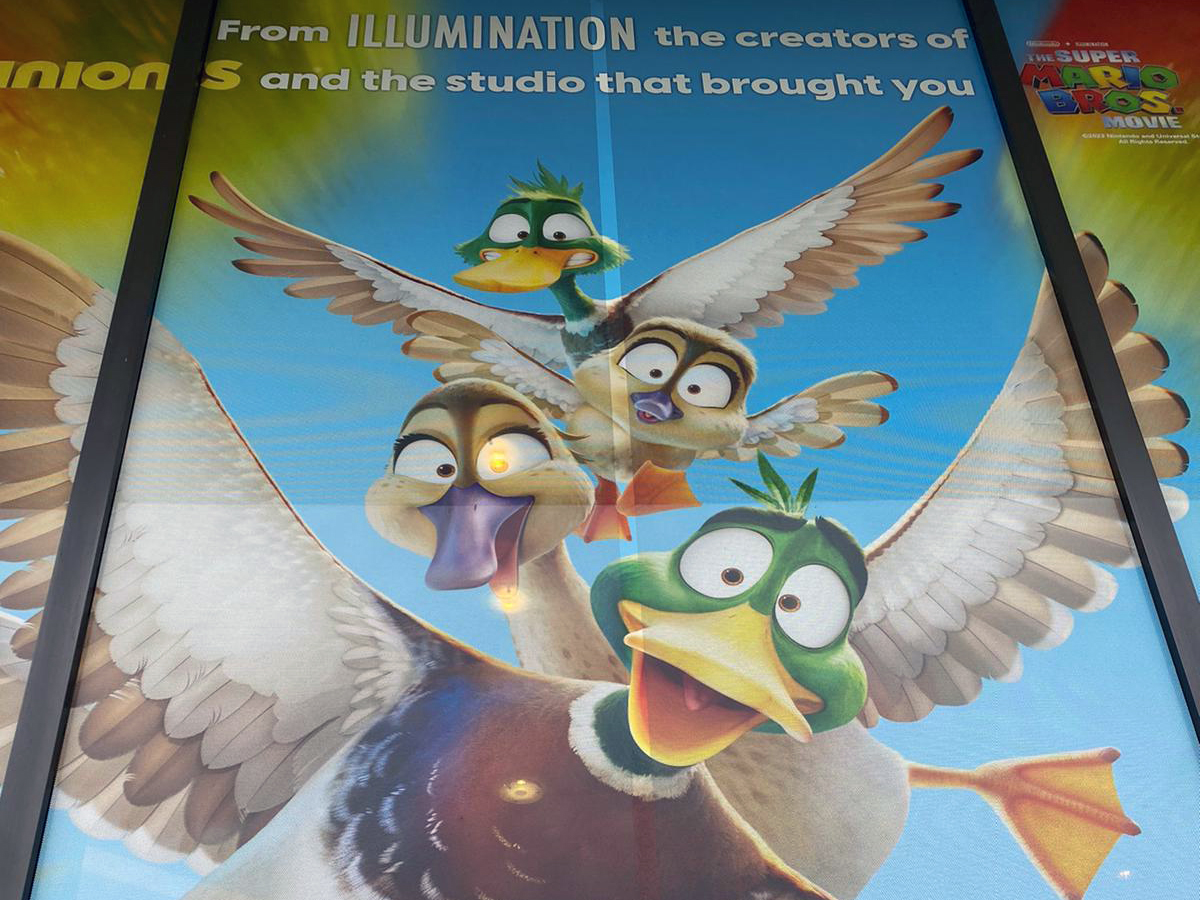
Description
Printing on clear perforated window film like Contra Vision's is easy to do if you have a printer with white ink. Clear perforated window film is suitable for use with all printing technologies such as UV, latex, and Solvent to name a few, as long as the printer has white ink. The required design should then be printed "flood-coated" with a layer of white ink followed by a layer of black ink . By printing in this manner, the design will be well seen from one side and will retain its transparency from the other side.
Since a percentage of your image will be missing because of the texture of perforated material, it may be tempting to overload the product with ink to compensate for an apparent loss of contrast. However, if you use more ink than the product can handle there is a risk of hole blocking and adhesive failure.
We recommend using the minimum amount of ink necessary to define the image and avoid oversaturated results. In addition, the advice is to make a test print first and install the test print where the final image will be used, there you can fully evaluate the print. The contrast of your images will be restored once applied to a window because of the light balance on the design side.
In summary:
- It is easy to do, if you have a printer with white ink;
- You should keep the amount of ink used to a minimum and not overdo it;
- Test print and full evaluation of the test print is necessary;
- Use only Contra Vision® Clear Perforated Window films with universal backing when printing with UV inkjet printers.
Perforated Image Previewer™ (PIP).
Have you ever wondered what your window images will actually look like when printed on a perforated window film?
With the Perforated Image Previewer™ (PIP) you can test this out!
- Upload your image (JPEG files)
- Set the print size with a maximum dimension of 1m (height or width)
- Choose a perforation pattern from the Contra Vision range including new HD
- Zoom in and out on the image to see how the perforated image will look from different distances (the perforation pattern is not detectable at longer viewing distances)
Want to try out Contra Vision yourself?
Make an appointment with one of our account managers.