Totaalleverancier voor grootformaat printoplossingen

NL : +31 (0)76 820 08 30 | Belux : +32 (0)89/46.05.60

Featured Image - How do you print 2.5D with the Mimaki JFX200?

How do you print 2.5D with the Mimaki JFX200?

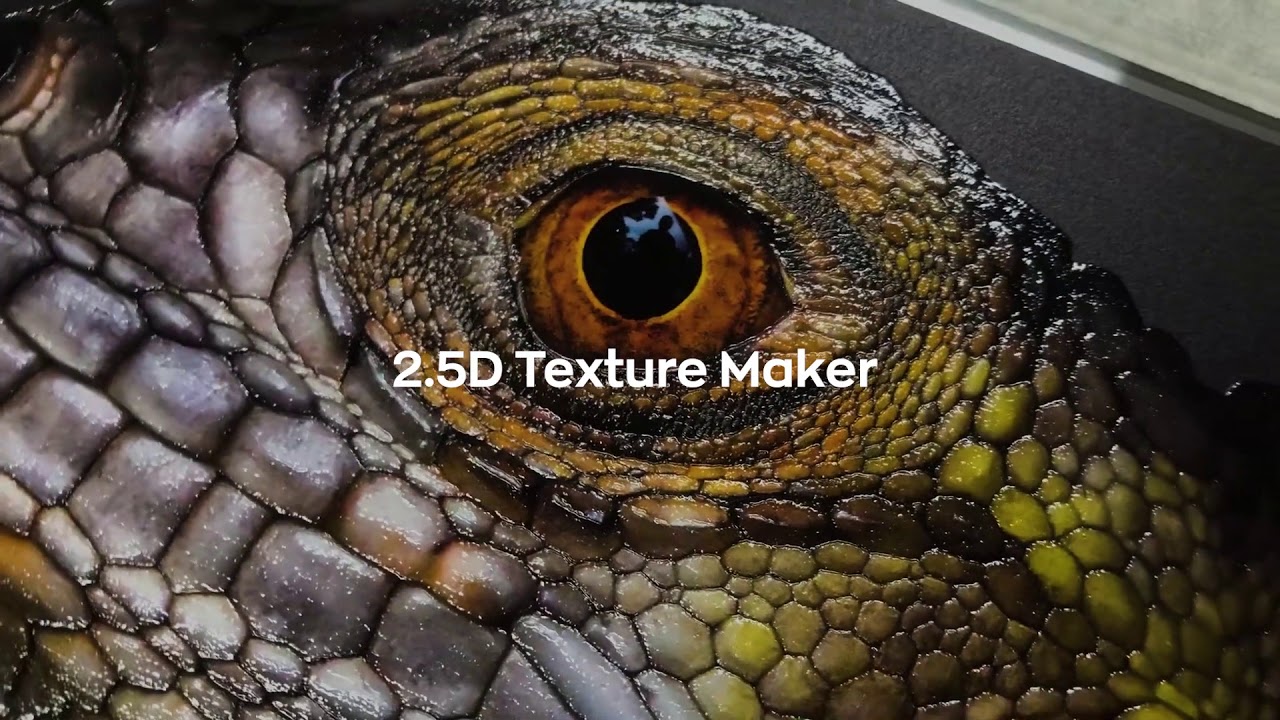
With the new 2.5D Texture Print, the JFX200 -2513 EX model makes embossing easier than ever before!

2.5D Texture Print

With the new 2.5D Texture Print, the JFX200 -2513 EX model makes embossing easier than ever before! This 3D technology-based feature allows the Rasterlink 6 RIP to automatically create up to 17 layers based on just one grayscale image.

In this first Mimaki instructional video, the Mimaki application specialist gives you a step-by-step guide to printing 2.5D using the Texture Maker feature available on the JFX200-2513 EX UV flatbed printer.

Video

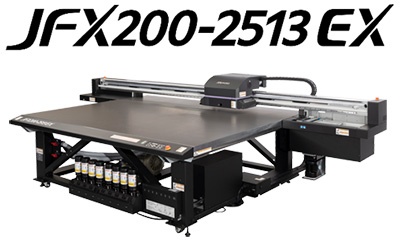
Mimaki JFX200-2513 EX flatbed led-uv printer

Mimaki JFX200-2513 EX flatbed led-uv printer

The Mimaki JFX200-2513 EX is an ultimate entry-level model that combines high value-added printing with high productivity.